Guide · updated
A virtual fitting room for every online store
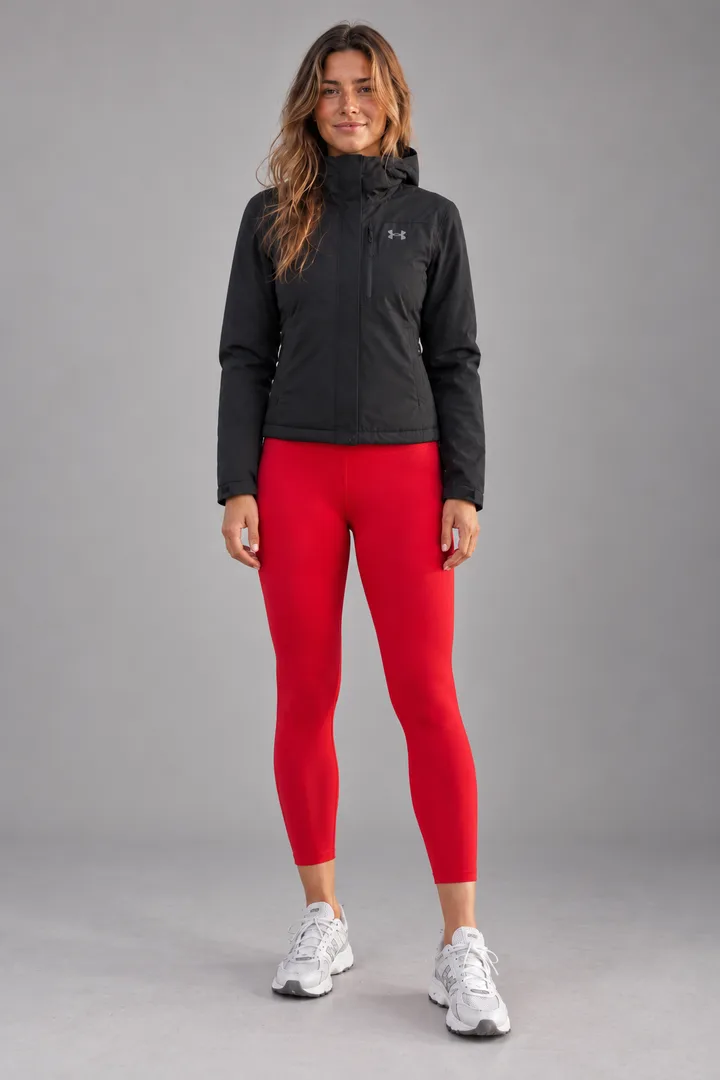
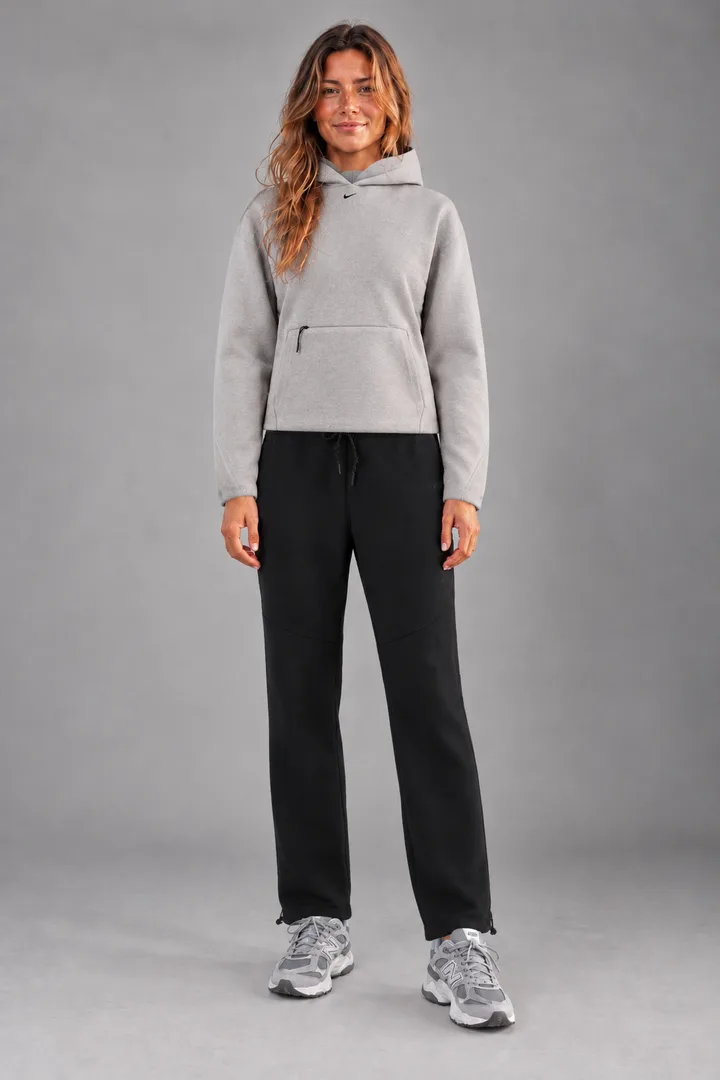
Most virtual fitting rooms only work inside one retailer’s store. Fitty works with clothes from anywhere: upload a photo of yourself, add screenshots of the pieces and see them on you.
From the fitting room
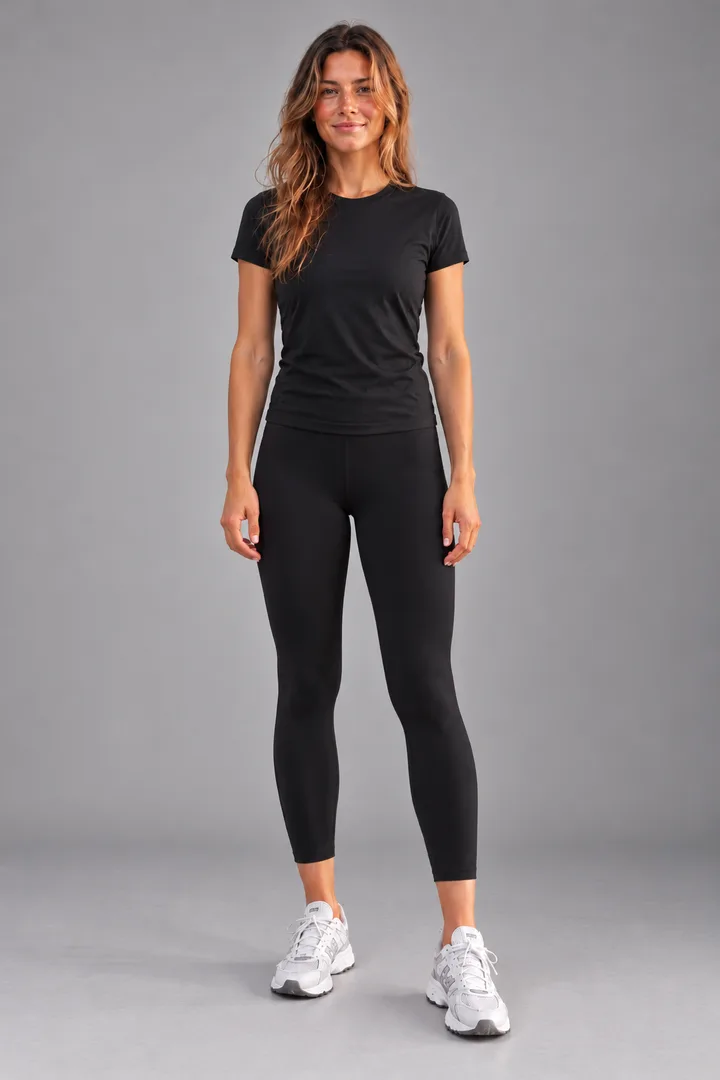
One starting photo, different looks: a jacket, a hoodie and a bikini. Drag to compare.

How it works
- 01
Your photo instead of a mirror
A full-body photo of you, facing the camera in good light. Upload it once and use it for every look.
- 02
Pieces instead of a clothes rail
Screenshots or product photos from any store. Up to five pieces in one look: top, bottoms, jacket, shoes and an accessory.
- 03
A result instead of changing
In about a minute you see the outfit on you and can compare it with your before photo.
How it differs from a shop
- No queue, no opening hours: try things on at midnight on the sofa.
- Mix stores: jeans from one shop, a jacket from another, shoes from your own wardrobe.
- Save looks and compare them later, instead of remembering what the mirror showed.
- To be honest: you don’t see the fit. For your size, the store’s size chart still decides.
Open your fitting room
One look for $1.29 (£1.19 in the UK), no subscription on the web. A failed look never costs a credit. Pricing
Frequently asked questions
What is a virtual fitting room?
A digital stand-in for the shop fitting room: you see clothes on you without putting them on. With Fitty it happens on a photo of you, with clothes from any store.
Do I need a webcam or a live camera view?
No. Fitty works with an ordinary photo. That looks more realistic than a live overlay, because the AI fits the clothes to your body.
Does it work on Android or a computer?
Yes, in the browser on any device: Android, Windows and Mac. There’s also an app for iPhone.
How much does it cost?
An outfit is 1 credit, swimwear 2 credits. On the web you buy credits with no subscription; on iPhone there are also plans with credits every week or month.