Guide · updated
Try on clothes from a screenshot
Spotted something in an online store, on Vinted or Instagram and wondering how it looks on you? Take a screenshot. Fitty puts the piece on your own photo, wherever the picture came from.
From screenshot to look
Every piece came in as a picture from a store. Drag to compare.
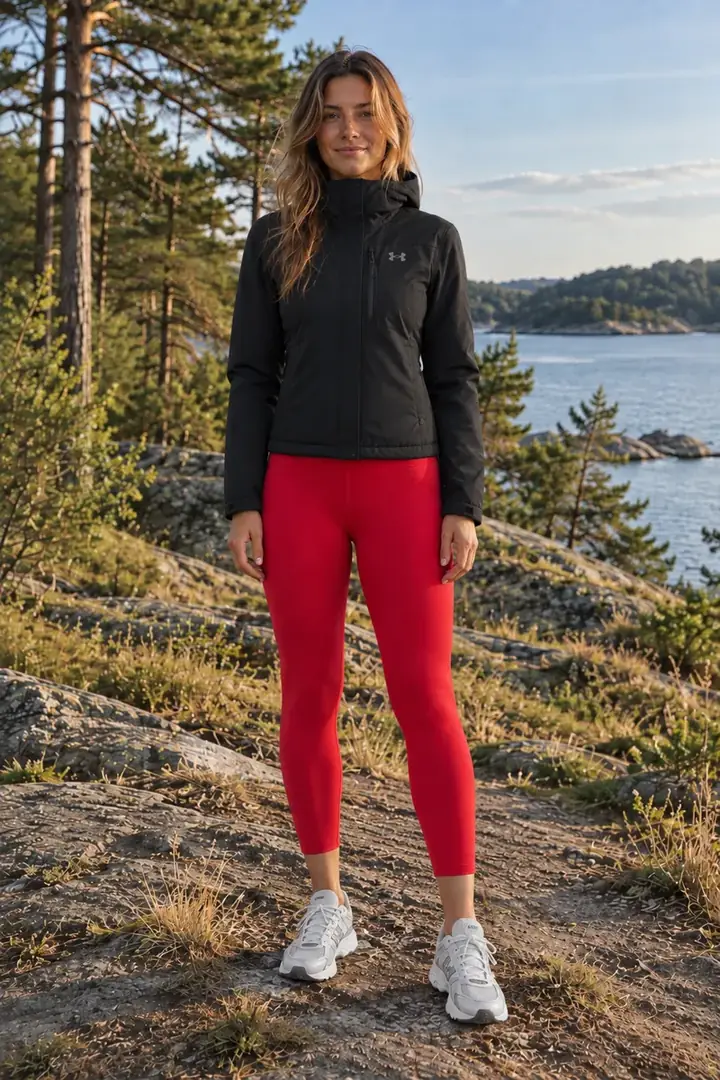
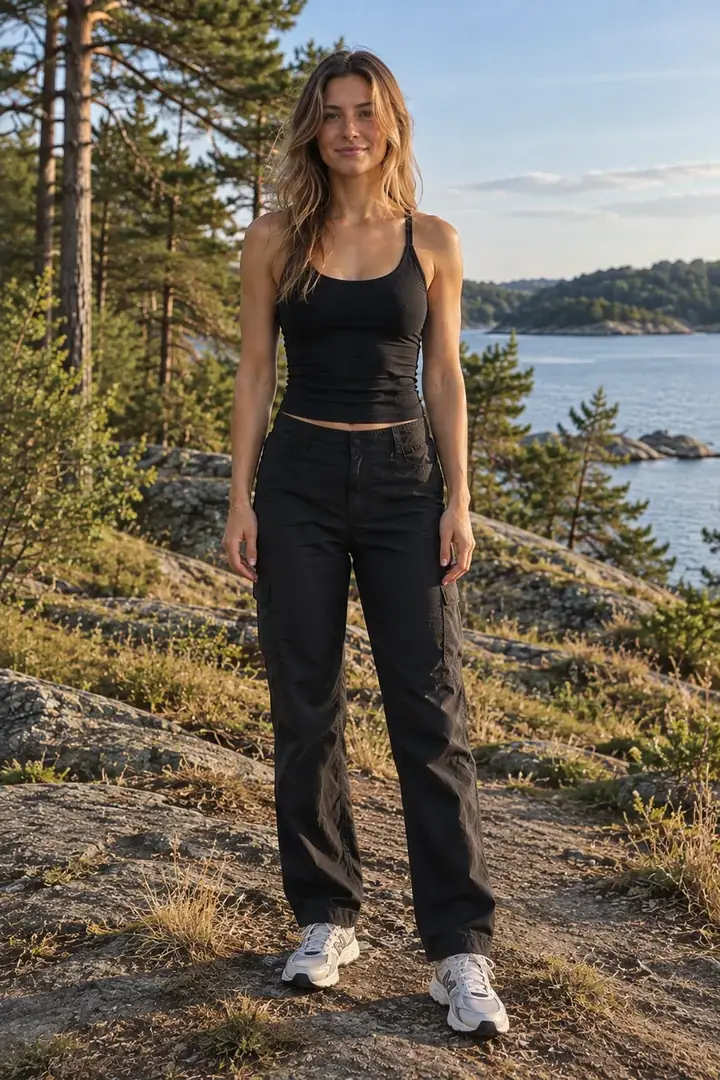


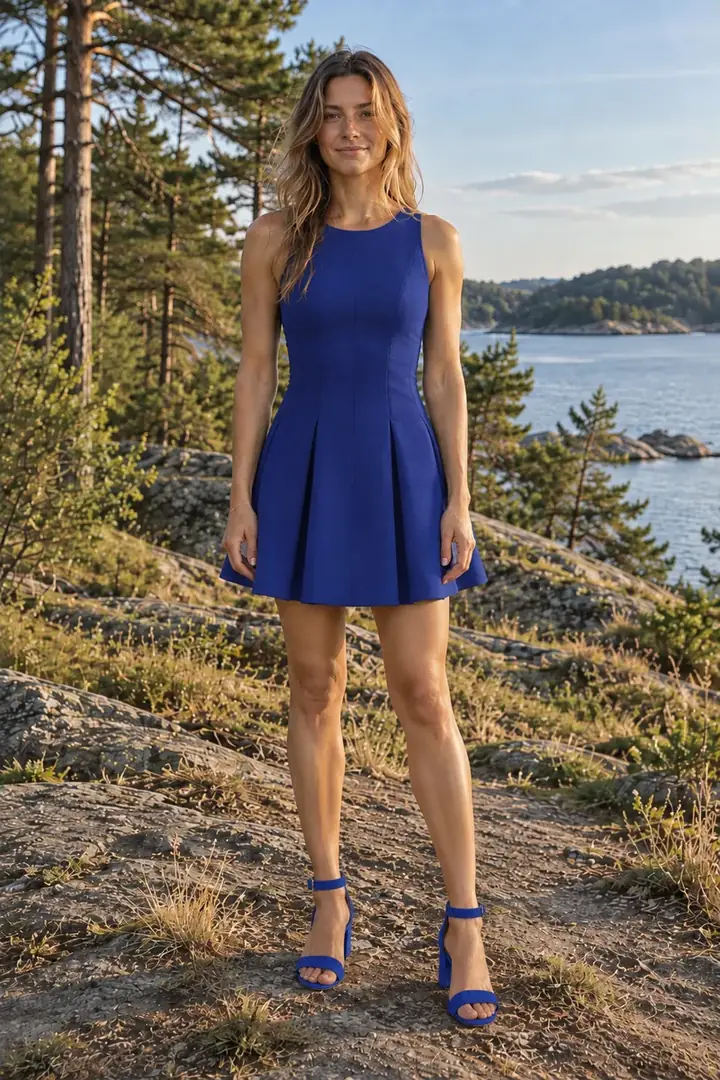
How it works
- 01
Take a screenshot
In the store, the Vinted app or on Instagram. Crop it to the piece, without prices and buttons.
- 02
Add it to Fitty
One picture per piece. Fitty works out whether it’s a top, bottoms, shoes or a jacket. On a computer you can paste a screenshot straight in with Ctrl/⌘+V.
- 03
See it on you
With your full-body photo you see the piece on you in about a minute, several pieces together too.
Where screenshots can come from
- Any online store, including small ones with no try-on of their own.
- Second-hand apps like Vinted and Depop, where you can’t send things back.
- Instagram, TikTok or Pinterest, when you want to recreate a look.
- Photos of clothes you already own, even on a hanger or on the floor.
Try on your screenshot
One look for $1.29 (£1.19 in the UK), no subscription on the web. A failed look never costs a credit. Pricing
Frequently asked questions
Does any screenshot work?
Almost any, as long as the whole piece is clearly visible. Crop out prices, buttons and text; one piece per picture works best.
Does the piece have to be shown on a model?
No. A model photo, a product photo on white or a photo on a hanger all work.
Can I combine several screenshots in one look?
Yes. Up to five pieces in one look: a top, bottoms, jacket, shoes and an accessory, for 1 credit.
Does it work on my phone?
Yes, in the browser on any phone, and on iPhone in the app too, where you pick screenshots straight from your photos.